
General Instructions
- Read each task carefully before you start.
- Upload your work for each task using the Upload File buttons.
- You may use a paper-based or online bilingual dictionary.
- Part 3 multiple-choice questions are marked automatically. Other tasks will be marked by your tutor.
Part 1
Task 1 – Creating and Organising a Folder (4 marks)
- Create a folder in the location shown by your tutor.
- Rename the folder Events_Project.
- Take a screenshot of the Events_Project folder and save it inside that folder.
- Name the screenshot Task1_YourName and upload it below.
Task 2 – Sending an Email (2 marks)
Download the document Volunteer_Signup_Form and save it in your Events_Project folder.
Create an email to your tutor, attach the completed form and send it. Then enter the date you sent the email.
Download Volunteer_Signup_FormTask 3 – Searching the Internet (3 marks)
- Search online for a local community hall available for hire.
- Find the opening times on a Tuesday.
- Take a screenshot of the information and save it as Hall_Tuesday_Times in your Events_Project folder.
- Upload the screenshot below.
Task 4 – Registering for an Online Account (5 marks)
You want to register for an online membership with Community Connect. Complete the form below.
5) Marketing Preference (1 mark)
6) Age Range (1 mark)
Task 5 – Paying for an Event Booking (5 marks)
You are booking a place at a local workshop and must pay using a debit card.
7) Select payment method (1 mark)
Card details for this mock task (do not use real details):
- Cardholder Name: Jordan Phillips
- Card Number: 4021 7564 9934 2218
- Expiry Date: 04/26
- Security Code: 883
Part 2
Task 6 – Creating an Advert (9 marks)
You are helping to promote a new group called Tech Tuesdays Club.
Download the text file and image below, then create an advert following your tutor's instructions.
Download TechTuesdays_Text.txtDownload DigitalMeetup_Colourful.jpg
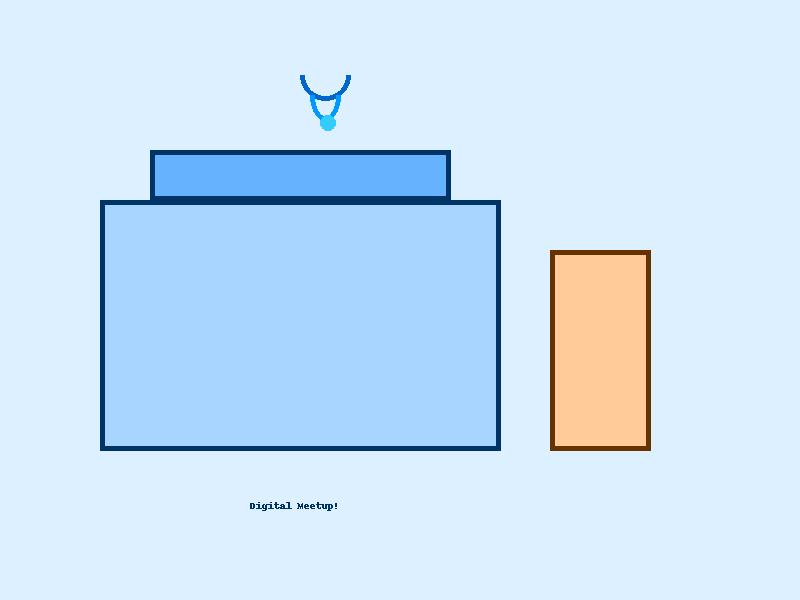
When you have finished, save your advert as Tech_Tuesdays_Advert and upload it here.
Part 3 – Multiple Choice Questions
Choose one answer for each question. Click Mark my answers to see your score.
Observation Record (8 marks)
Your tutor will complete the Observation Record. The form itself must not be changed.
Download Observation Record (PDF)